
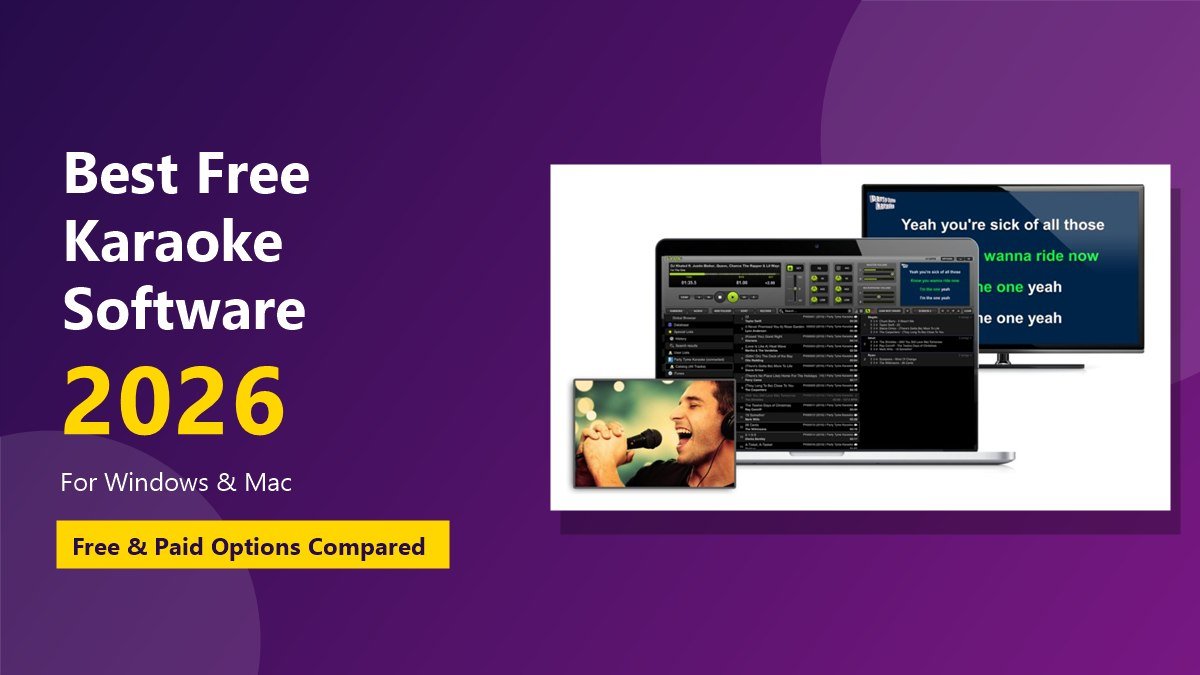
Best Free Karaoke Software, List of Best Free Karaoke Software, Features, Reviews
Singing is the best way to boost your mood. But if a person does not know the lyrics of the songs, then singing can become challenging for them. Karaoke software will not only give you the lyrics of the songs, but it also gives background music for you.
Karaoke software allows you to sing your favorite songs while seeing the lyrics on smartphones, laptops, and tablets. You have to install the karaoke software on your device and plug the mic into the device and enjoy your karaoke.
Karaoke was launched in 1970, and it was massive equipment at that time. But, now it has become common, and there is uncountable software available in the market. Therefore, it is hard to choose best professional karaoke software in 2026.
Well, don’t worry, because, in this article, you will get a list of the best karaoke software of 2026.
Table of Contents
What are the Best Free Karaoke Software of 2026?
Here is a quick overview of every karaoke software on this list, with its free option and full price.
| Karaoke Software | Free Option | Full Version Price (USD) | Works On |
| PCDJ Karaoki / LYRX | Free trial (Karaoki: 14 days) | Karaoki $99, LYRX $79.95 | Karaoki: Windows; LYRX: Mac & Windows |
| KaraFun Player | Free version | Premium $9.99/month | Windows, Mac, iOS, Android, Web, Smart TV |
| Karaoke Surgeon 3 | 4-hour free demo | $119.95 (on sale: $89.97) | Windows & Mac |
| Karaoke One | Free download | Free (Premium via in-app purchase) | Windows (Microsoft Store) |
| Kanto Karaoke | Free version (Windows) | $49 / $69.95 (one-time) | Windows (Mac version sold separately) |
| Karaoke Builder Player | Completely free | Free | Windows (XP to 11) |
Which free karaoke software is right for you? (Quick guide)
- Free karaoke at home with a big song library: KaraFun Player (free version)
- Hosting karaoke nights on a Windows PC: PCDJ Karaoki (14-day free trial)
- Hosting karaoke on a Mac: LYRX (free trial)
- Making your own karaoke tracks or removing vocals: Karaoke Surgeon 3 (free 4-hour demo)
- A completely free player for your own CD+G and MP3+G files: Karaoke Builder Player
How we picked these karaoke software
- We compared the free options, features and Windows/Mac support of each software using their official websites and app stores.
- All prices are in USD and were checked on the official websites in November 2026. Prices and sales can change, so check the official site before you buy.
- Some links in this post are affiliate links. If you buy through them, we may earn a small commission at no extra cost to you.
1. PCDJ Karaoke Software
PCDJ Karaoke is one of the most demanded and advanced karaoke tools as it comes with lots of exciting features. Unfortunately, PCDJ Karaoki is only supported on Windows devices, including Windows PC and laptops. If you use a Mac, PCDJ also makes LYRX, which works on both Mac and Windows.
The interface of this software is user-friendly, and anyone can use this software easily. This software allows you to add songs and edit to play options. You will also get several features like a drag and drop feature, color display, color configuration feature, etc.
Furthermore, it also offers a history of the previously played songs. Therefore, it is one of the best highly recommended free karaoke software for windows.
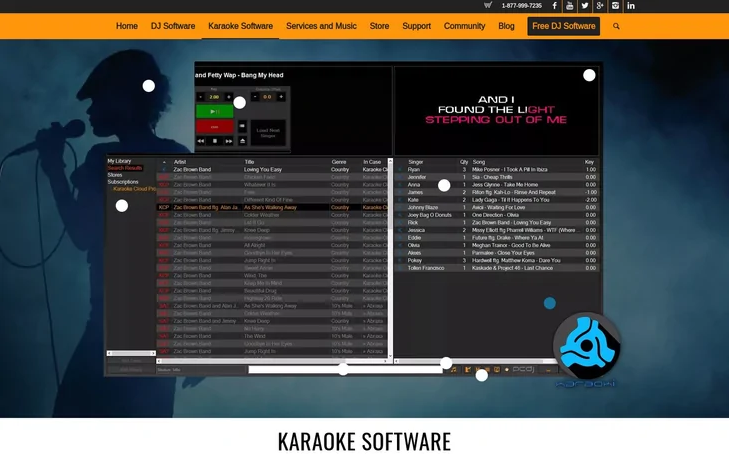
Besides, PCDJ Software also has some premium features like 4 deck premium mixing, mixed audio files, and more. You have to purchase the plan of this software to access its premium features. Here are the current PCDJ karaoke options (prices in USD, checked on the official website in November 2026):
- Karaoki – $99 one-time payment, with a 14-day free trial. Pro karaoke hosting software for Windows with an automatic singer rotation, singer history and a background music player.
- LYRX – $79.95, with a free trial. Pro karaoke hosting software for Mac and Windows with key control, singer rotation, an automatic filler music player and more.
- DEX 4 – $149. This is PCDJ’s DJ software, and it also supports karaoke, so it is a good pick if you want to DJ and host karaoke from one app.
2. KaraFun Player
KaraFun Player is another software on our professional karaoke software list. It works on Windows, Mac, iOS, Android, smart TVs and in your web browser. In addition, KaraFun Player is a software that offers a catalog of tens of thousands of karaoke songs.
Moreover, you can also view the history of the previously played songs, which makes it easy to find your previously played songs. It also allows you to sync your favorite songs offline to sing them without the internet.
Apart from these, KaraFun also offers several features, including a dual-screen display, custom keys and tempo, and more for free.
This is not an end; KaraFun Player also offers a premium plan that provides several premium features, including the full song catalog, offline sync, playlists and more. The price of the premium plan is $9.99 per month. However, you can access the basic features of this software for free on your Windows device. That is why KaraFun Player holds the position on our list of the best free karaoke software for windows.

3. Karaoke Surgeon
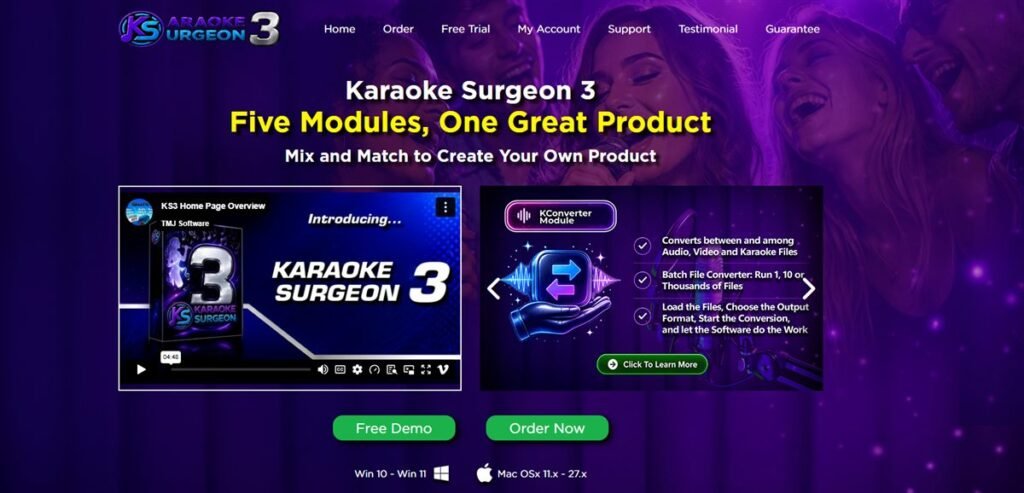
Karaoke surgeon is another one of the best karaoke software in the software market. This karaoke software is compatible with Windows and Mac devices. With this software, you can open different files, including videos, audio, and karaoke files. You can also modify the key and tempo of the karaoke files simultaneously with the karaoke surgeon.
Karaoke Surgeon allows you to change EQ from a built-in 31 bands. It also uses formant preservation to reduce munchkin sound that can be developed with critical audio changes. This karaoke software also has many other features, like a high-quality audio algorithm.
Karaoke Surgeon gives 4 hours of free trial to their new users. Then, you can buy Karaoke Surgeon 3 for $119.95 (it was on sale for $89.97 on the official website when we updated this post) to access all features of this karaoke software. In addition, you will get a license with two machines for the same OS and one year of free support with this plan.
4. Karaoke One
Karaoke one is also an excellent karaoke software which is why it holds a position on this list. You can access this software on Windows PC. It offers various exciting features like interacting with other singers, sharing your talent, etc. And the best part is, that Karaoke One is free to download from the Microsoft Store. It shows synced lyrics, lets you change the key, and can record your performance with your webcam and microphone. A Premium upgrade (in-app purchase) unlocks its full song catalog.
It can play collections in various formats, including AVI, MP3, WMA, etc. This software is officially available on the Windows store.
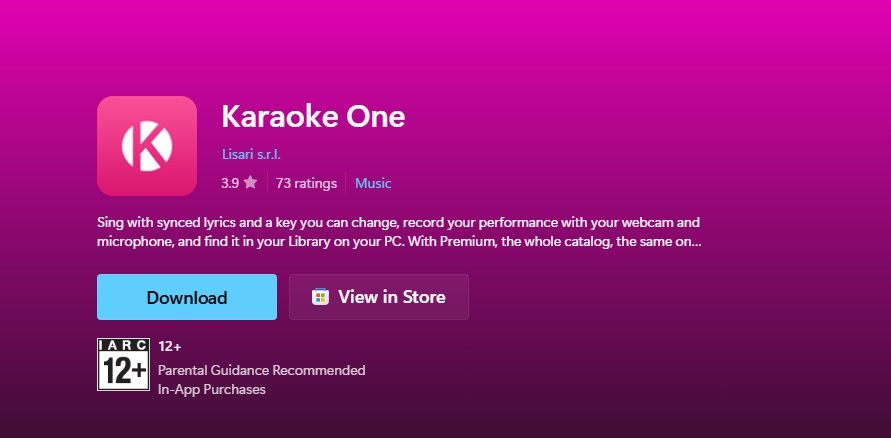
The best feature of Karaoke One is, that you can make a video of yourself while singing, and you can share that video with the users of Karaoke one to get feedback. This karaoke software also gives you the option to hide your face from the video. This software is best for beginner Karaoke lovers as the interface is beginner-friendly. That is why it is present on our best free karaoke software list.
5. Kanto Karaoke
Kanto karaoke has a free version for Windows, and the Mac version (Kanto Player for Mac) is a separate paid app. Other than Mac devices, this karaoke software is also supported on Windows devices. In addition, you can access basic features like midi to MP3, sing recording, etc.
Kanto karaoke software supports all videos and audio formats so that you can import and export them without any file converter. You can also record your entire performance in video format.
Moreover, you can also convert your system into a professional arrangement with this karaoke software as it gives a microphone setting with superior quality audio input and output.
Besides these features, Kanto karaoke also offers several features, including fade effects, changing the song’s pitch and tempo, and much more. That is why it is considered professional karaoke software.
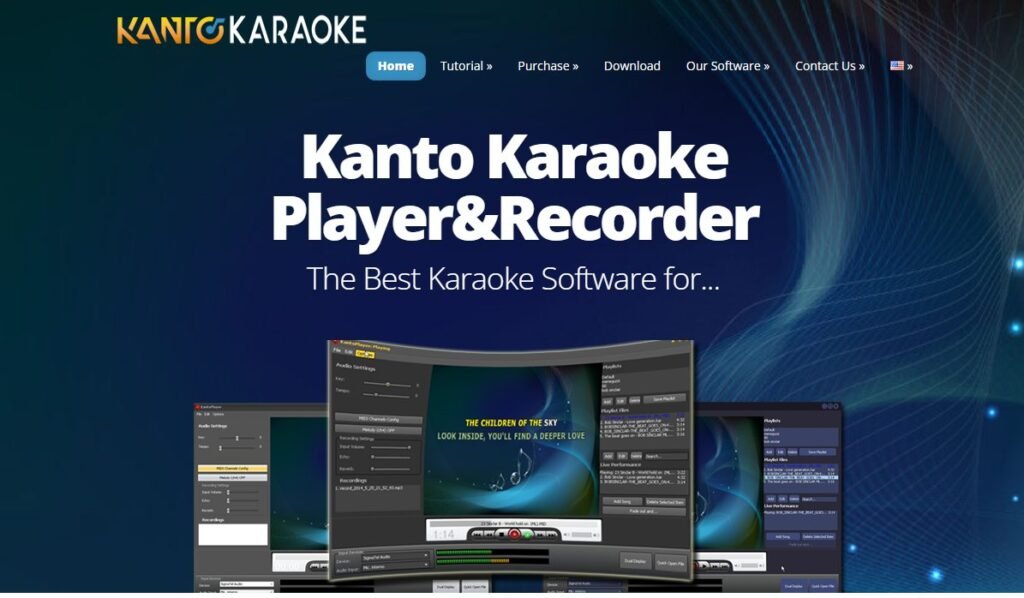
Additionally, you can also purchase premium plans of Kanto software to access its premium features like live performance management, editing audio setting, and more. Kanto software offers two paid plans. The detail of premium plans are mentioned below-
- Standard version – The standard version costs $49 as a one-time payment (licence valid for 3 years on 1 PC). With this standard version plan, you can access several features, such as live performance management, a license valid for one device, edit audio settings, a free update for three years, and much more
- Professional version – The professional version plan is specially built for experienced users. The price of this plan is 69.95 dollars. With this plan, you will get a license valid for 3 PC Windows, professional use, background effects, singers rotation list, etc.
6. Karaoke Builder Player
Karaoke Builder Player 5.0 is a completely free karaoke player for Windows, and it runs on everything from Windows XP to Windows 11. It plays CD+G and MP3+G karaoke files, and the lyrics change colour in sync with the music, just like on a karaoke CD+G machine.
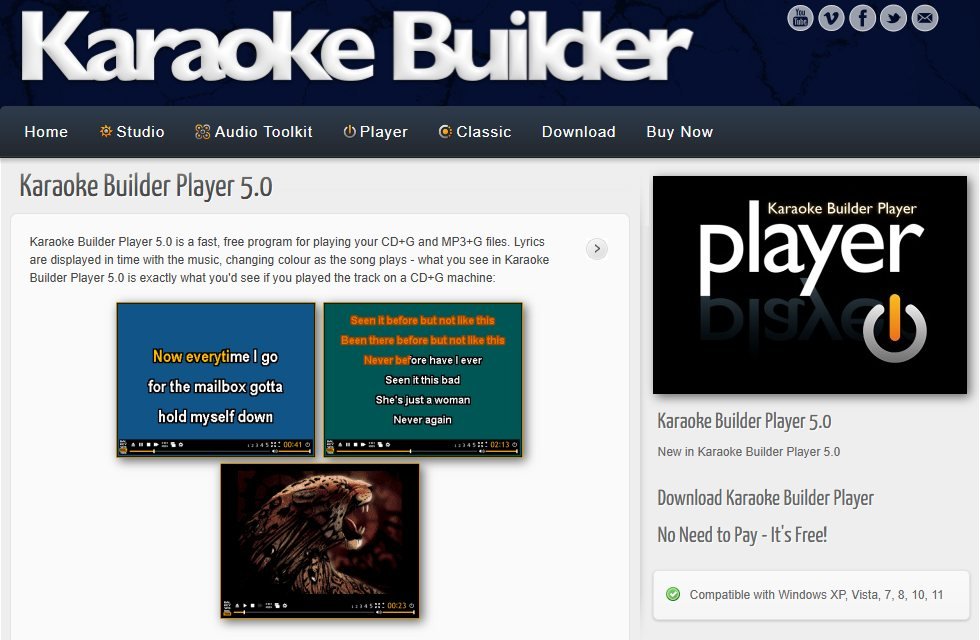
You can change the key if a song is too high or too low for your voice, play zipped karaoke files directly, and simply drag and drop a file onto the window to start singing. It is a light and simple choice if you already have your own karaoke files.
FAQs About Free Karaoke Software
Is there any completely free karaoke software?
Yes. Karaoke Builder Player is completely free for Windows and plays CD+G and MP3+G karaoke files. KaraFun and Kanto Karaoke also have free versions, but with some limits on songs or features.
What is the best free karaoke software for Mac?
The free version of KaraFun works on Mac and gives you song previews and some free songs. If you want to host karaoke on a Mac, LYRX has a free trial and costs $79.95. Karaoke Surgeon 3 also works on Mac and has a free 4-hour demo.
What is the best free karaoke software for Windows PC?
For your own karaoke files, Karaoke Builder Player is completely free. For a big song library, try the free version of KaraFun. For hosting karaoke nights, PCDJ Karaoki gives you a 14-day free trial.
Can I make my own karaoke tracks for free?
You can try it for free with Karaoke Surgeon 3, which has a free 4-hour demo. It can remove lead vocals, change key and tempo, and create karaoke files. The full version costs $119.95.
What is the difference between free and paid karaoke software?
Free karaoke players usually play your files and show the lyrics. Paid karaoke software adds features like singer rotation, key and tempo control, large song libraries and a commercial licence for bars and events.
Conclusion
Here comes the end of the list of the best free karaoke software of 2026. Every karaoke software on this list has a free version, a free trial or a free demo, so you can try it before you pay.
You can use the basic features of all karaoke software for free. In addition, some software is compatible with only Windows devices, and some are compatible with both Mac and Windows devices.
So, what are you waiting for? Start your karaoke party with the karaoke software mentioned above.